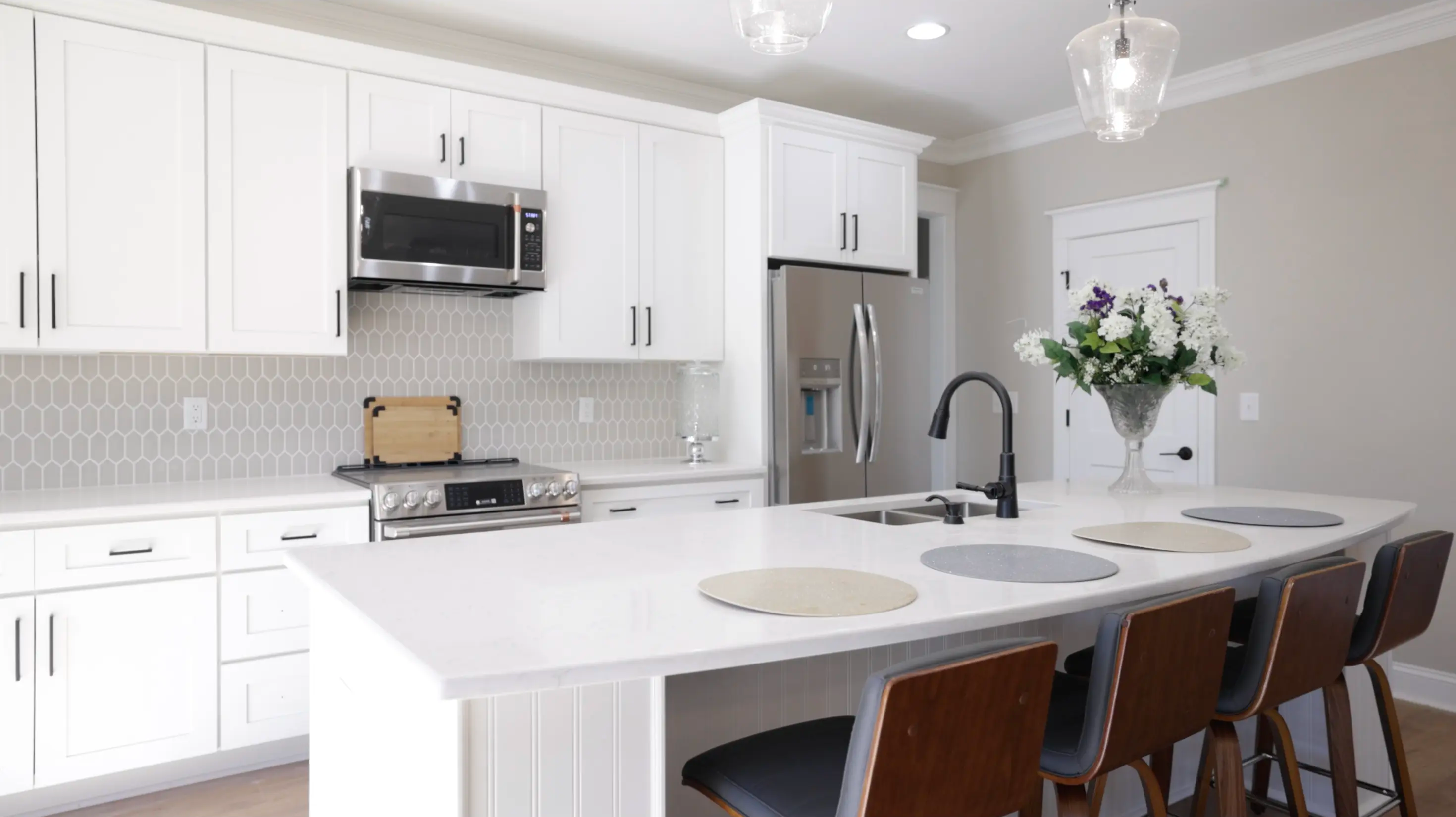
AI listing video generator

Turn listing photos into branded videos in minutes

Upload property photos and details. Vidlume builds a ready-to-post reel with script, voiceover, captions, and your branding—no editor required.

  • No editing skills
  • Review before export
  • You own your uploads

Sample listing reel

BrokeragesProperty marketing agenciesBuilders & developersHigh-volume agents

Property teams already have the photos, facts, and branding

What slows them down is turning those assets into a video people will actually watch. Editors take time. Generic templates look generic. And doing it manually for every listing does not scale.

Slow turnaround

The listing goes live before the video is ready.

Inconsistent branding

Every freelancer or agent produces a different result.

Too much manual work

Scripts, captions, formats, and revisions repeat every time.

How it works

Start with the property assets you already have

Vidlume organizes the story, drafts the script, adds narration and captions, applies your branding, and prepares the video for publishing.

Step 1

Add the property

Upload photos or clips and enter the property details buyers need to know.

Step 2

Review your story

Check the hook, room sequence, price, location, amenities, voiceover, captions, and call to action. Edit anything before export.

Step 3

Generate and publish

Create branded video variations for listing launches, social posts, buyer follow-ups, open houses, and price updates.

Most videos are generated in minutes. Processing time can vary.

Create more useful video content from every property

Without adding more production work to your listing workflow.

Launch while the listing is fresh

Turn approved photos into video without scheduling another shoot or waiting on an editing queue.

Keep every video on brand

Reuse your logo, colors, agent details, contact information, and end-screen CTA.

Make the property easy to understand

Combine room highlights, location context, amenities, price, captions, and narration in a clear sequence.

Create content for the whole campaign

Produce variations for launch day, open houses, price updates, buyer messages, and social follow-ups.

Property-aware scripts

Editable hooks and narration based on actual listing details.

Real-estate scene flow

Guide viewers from exterior to key rooms, amenities, location, and CTA.

Voiceovers and captions

Make the message understandable with or without sound.

Saved brand kit

Apply consistent visual identity and contact details across listings.

Multiple campaign angles

Try family, investment, luxury, locality, urgency, or offer-led framing.

Editable before export

Review facts, script, tone, CTA, and presentation before publishing.

Use cases

New listing launchOpen housePrice updateLast unitsLocality highlightBuyer follow-upAgent introductionWeekly listing roundup
Examples

Genuine outputs from real property types

Each example shows the original inputs, video angle, and final export.

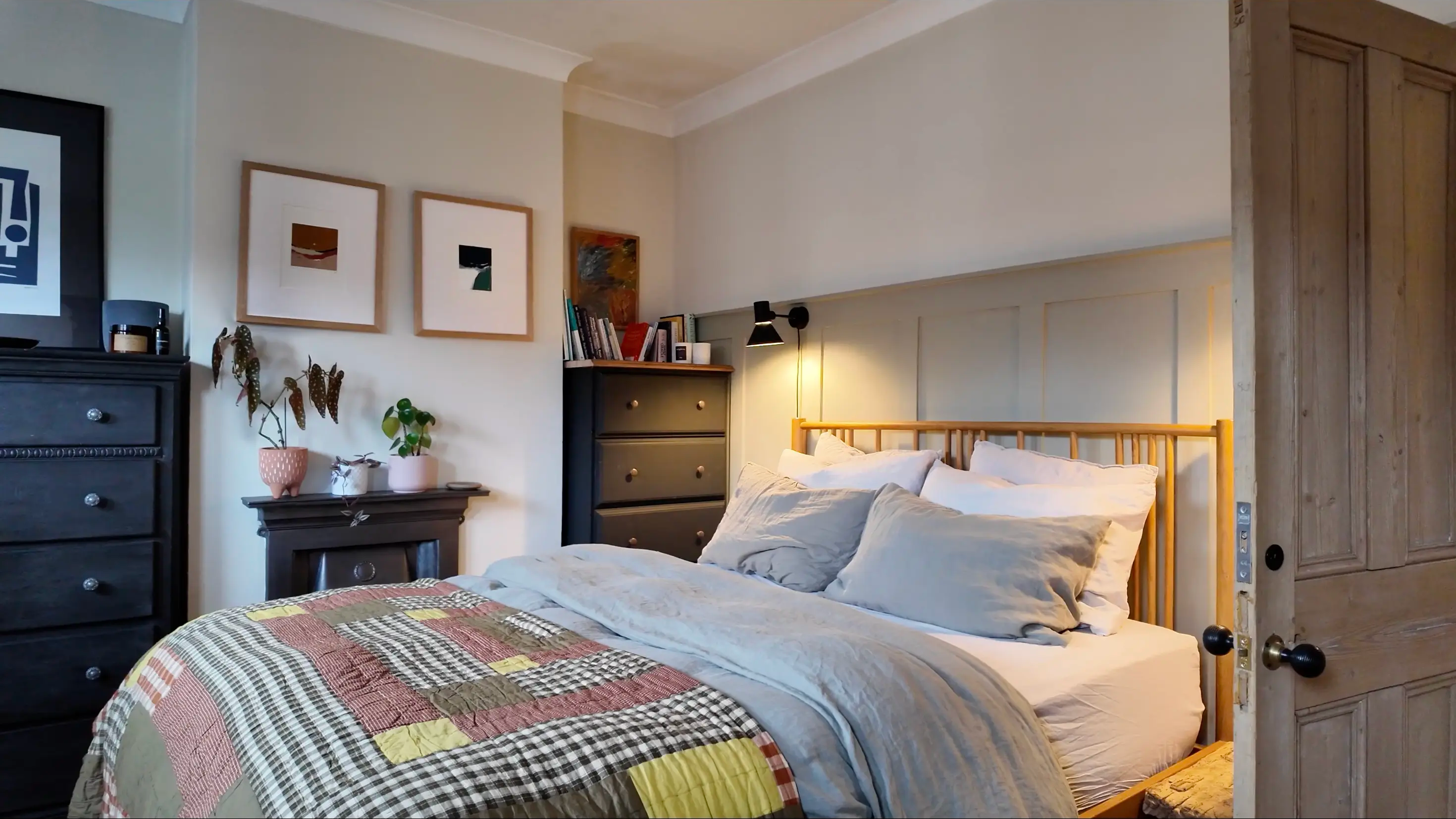
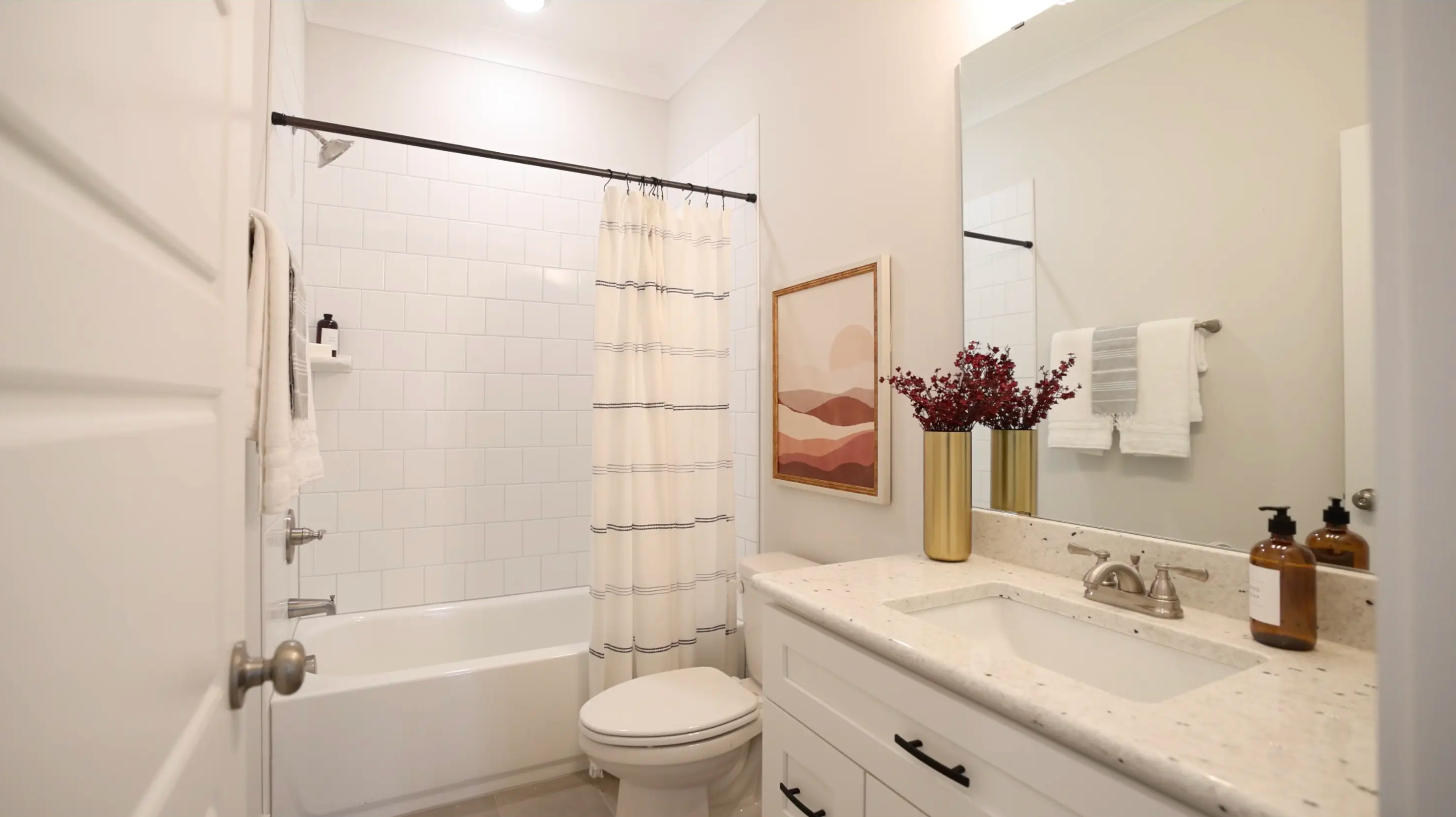
Family homeAngle: Space, schools, convenienceCTA: Book a viewing
Listing photos
Family home source 1
Family home source 2
Family home source 3
Family home source 4
Family home source 5
Family home source 6
Family home source 7
Family home source 8

Approved property photos and listing details — static assets your team already has.

Branded listing video

A room-by-room reel with narration, captions, agent branding, and a clear buyer CTA.

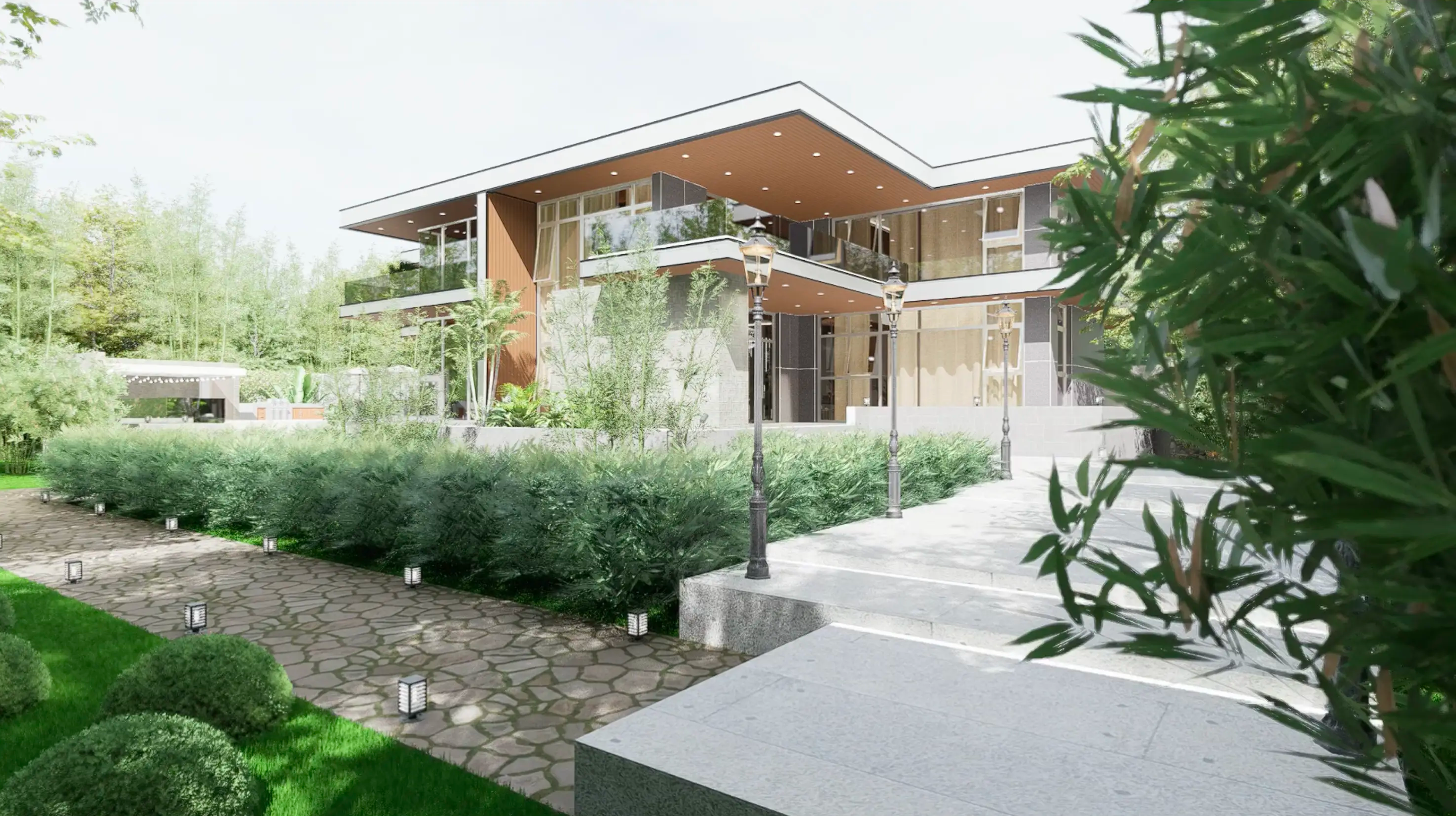
New developmentAngle: Amenities, availability, offer deadlineCTA: Message the sales team
Project assets
New development source 1
New development source 2
New development source 3
New development source 4
New development source 5
New development source 6

Brochure photos, amenity shots, and availability details from your development team.

Branded project video

Amenity highlights, unit availability, and offer deadline with a sales-team CTA.

Traditional editing vs Vidlume

WorkflowTraditional editingVidlume
Starting pointBrief, files, and back-and-forthListing photos and property details
BrandingReapplied or checked each timeSaved for reuse
Script and captionsSeparate production stepsGenerated, then reviewed in one flow
TurnaroundDepends on availability and revisionsDesigned for same-session generation
Best useFlagship and custom productionsConsistent video across recurring listings
Pricing

Start with a single property

Upgrade when your team needs a reliable monthly workflow.

No subscription

One Listing

For trying Vidlume on one property.

  • 1 listing project
  • Editable script and facts
  • Voiceover and captions
  • Agent or brokerage branding

Solo agents

Agent

For agents with a few new listings each month.

  • 3 listing projects per month
  • Saved personal brand kit
  • Video variations per listing
  • Standard processing

Active agents

Recommended

Team

For brokerages and teams publishing every week.

  • 10 listing projects per month
  • Reusable brokerage branding
  • Team workflow
  • Priority processing

Brokerages & teams

Agency

For multiple brands, projects, or client accounts.

  • 30 listing projects per month
  • Multiple saved brand kits
  • Client-ready review workflow
  • Priority support

Agencies & developers

FAQ

Common questions

Do I need video footage?
No. You can start with the property photos and details you already have. If you have short clips, you can include those too.
Can I edit the script and property details?
Yes. Review the hook, description, price, location, amenities, tone, voiceover, and CTA before export.
Will Vidlume invent rooms or property features?
Vidlume starts from your actual listing materials. You remain responsible for reviewing every visual and factual detail before publishing.
How long does generation take?
Most videos are generated in minutes. Exact processing time depends on the assets, length, and selected output.
Can I add my brokerage branding?
Yes. Add your logo, colors, agent details, contact information, and end-screen CTA for consistent listing videos.
Where can I publish the videos?
Create videos for short-form and social channels such as Instagram, YouTube, TikTok, and WhatsApp, subject to the export formats available in your plan.
Is this a replacement for professional videography?
Not always. Keep custom crews for flagship productions. Use Vidlume when you need fast, repeatable video coverage across everyday listings.
What happens to my uploads?
You retain ownership of your content. You can delete uploads from your account according to Vidlume's storage and deletion policy.

Turn the property assets you already have into a branded listing video

Create your first listing video before your next post.

Review before export · No editing skills required · You own your uploads